
Building websites in Webflow is fast, but let’s be honest—when you start dealing with complex custom code, third-party scripts, or repetitive styling setup, things can slow down quite a bit. That is where DevKit comes into play.
DevKit is an all-in-one developer companion app built specifically for Webflow. It bridges the gap between traditional frontend development and Webflow’s visual canvas. Whether you are writing raw code, managing global design tokens, or organizing project assets, DevKit brings everything into a clean, unified workspace.
Here is a breakdown of what makes DevKit a game-changer for Webflow developers:
1. HTML to Webflow Sync
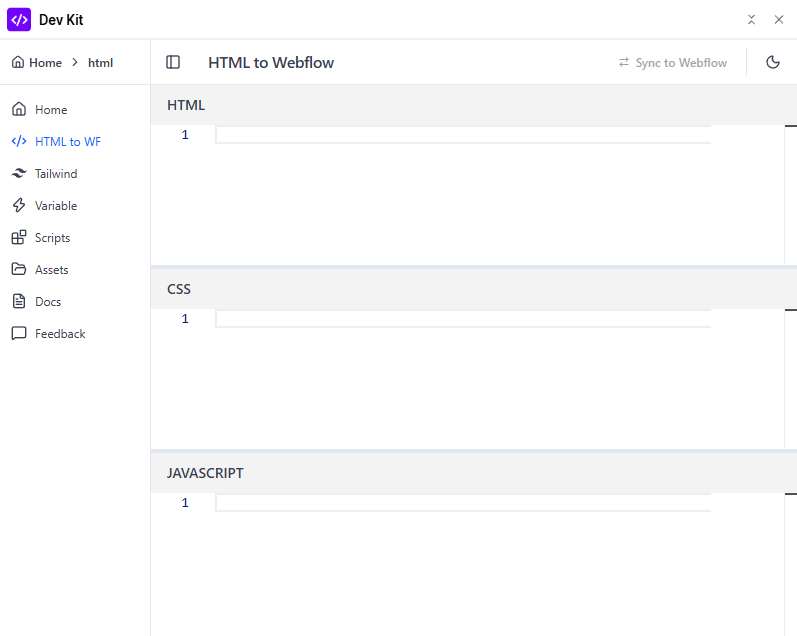
Writing custom HTML, CSS, and JavaScript directly inside Webflow can sometimes feel clunky. DevKit’s HTML to Webflow tool gives you a structured code editor right inside your workflow. You can write your custom HTML elements, style them with CSS, and add interactive logic via JavaScript, then instantly push and sync those components straight into your Webflow canvas.
2. Tailwind CSS Integration
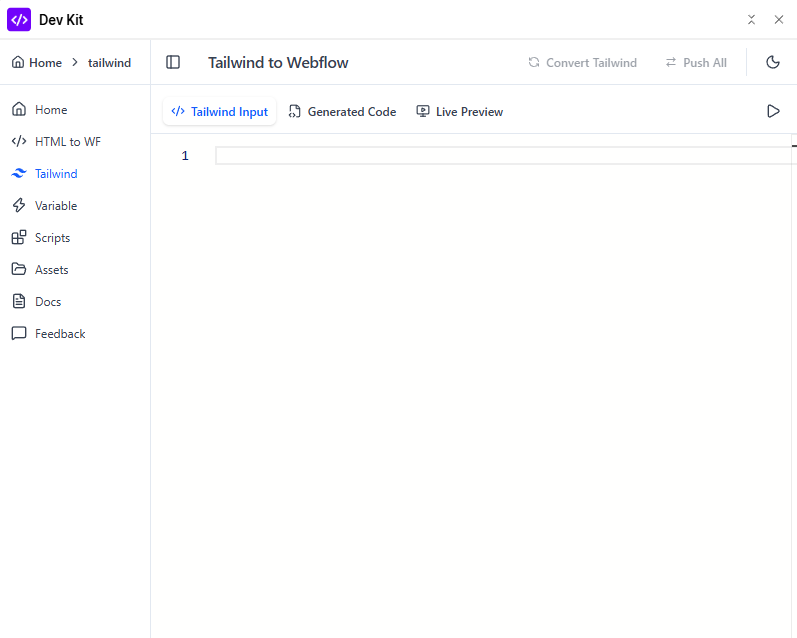
If you love Tailwind CSS’s utility-first approach, you will love this feature. DevKit allows you to paste or write Tailwind CSS markup and automatically converts it into clean, semantic Webflow elements and CSS rules. You get a live preview of your component before pushing it, making component migration from React or HTML templates completely effortless.
3. Centralized Webflow Variables Management
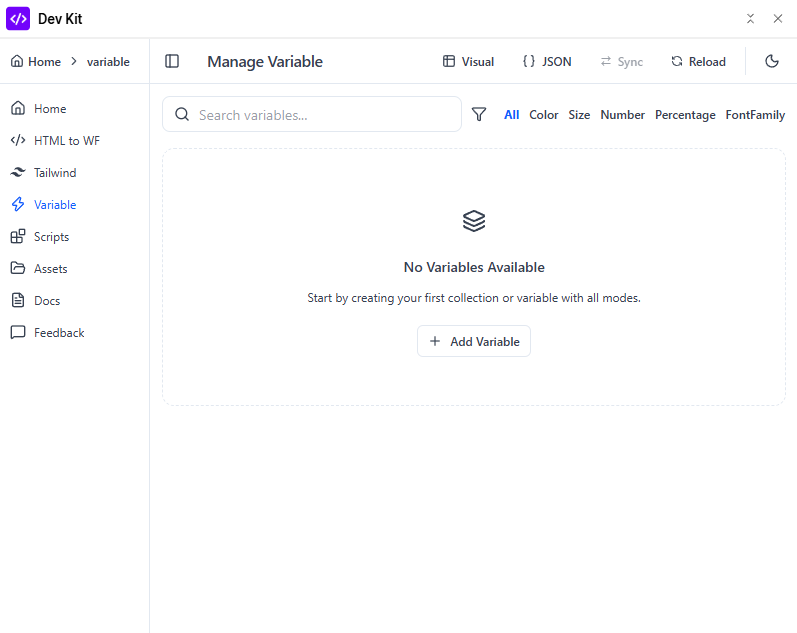
Managing design tokens like primary colors, font families, base spacing, and font sizes can get messy across large projects. DevKit provides a Manage Variable dashboard where you can visually create, filter (by Color, Size, Number, Font Family, etc.), and sync variables. You can even switch to a raw JSON view for quick bulk updates and team-wide standardization.
4. Secure Custom Script Hosting
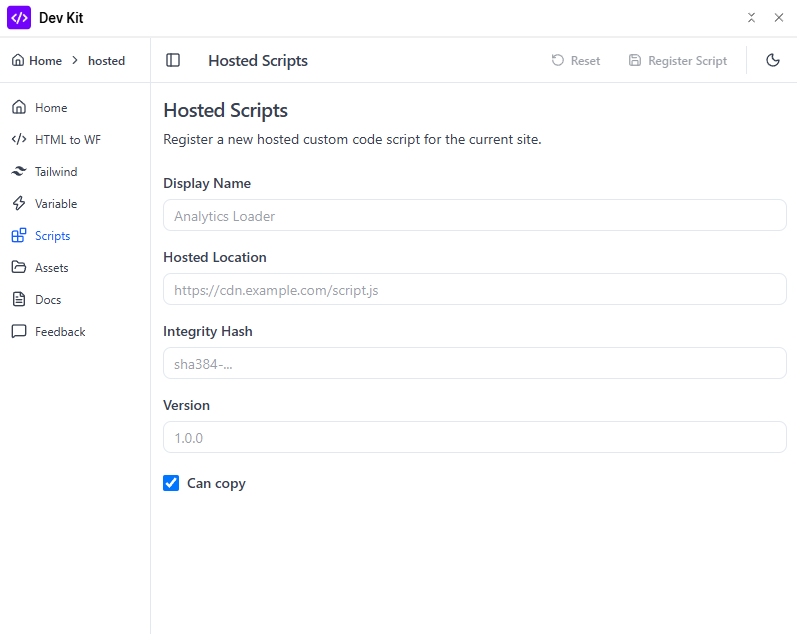
Adding third-party scripts or custom analytics loaders usually requires external CDN hosting or messy Embed code blocks. With DevKit’s Hosted Scripts feature, you can register external script URLs, specify Subresource Integrity (SRI) hashes (sha384-...), define version numbers, and control copying permissions. This ensures your custom JavaScript is secure, version-controlled, and optimized for performance.
5. Organized Asset Management
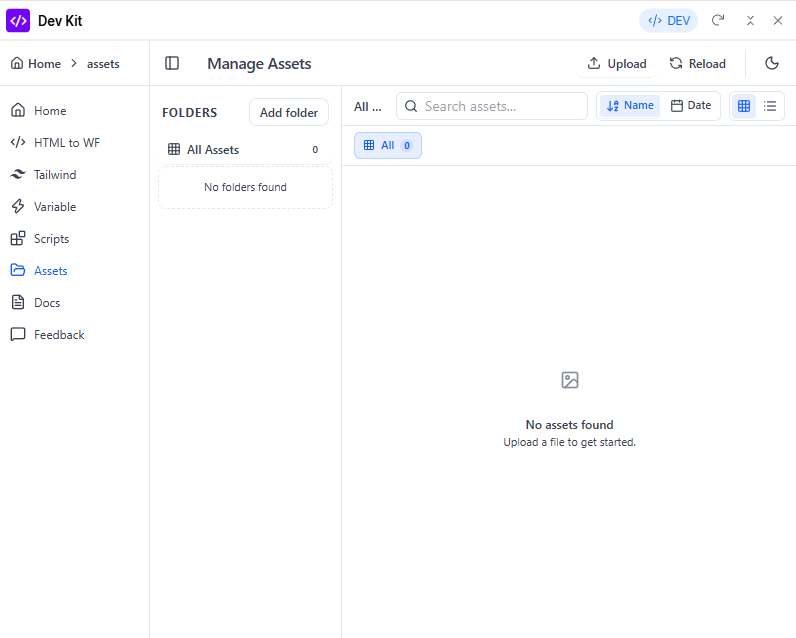
Searching through hundreds of unorganized media files in Webflow can waste a lot of time. DevKit includes a dedicated Manage Assets dashboard that allows you to organize your images, videos, and documents into custom folders. With built-in search, quick sorting by Name or Date, and bulk uploads, keeping your project files clean becomes second nature.
Final Thoughts
DevKit doesn’t just add extra tools—it fundamentally speeds up how you build and maintain Webflow sites. By combining code conversion, token management, asset organization, and script hosting under one hood, it lets you focus on what actually matters: shipping great sites faster.
If you are looking to scale your Webflow development process, give DevKit a try today!